Nothing between your reader and the words.
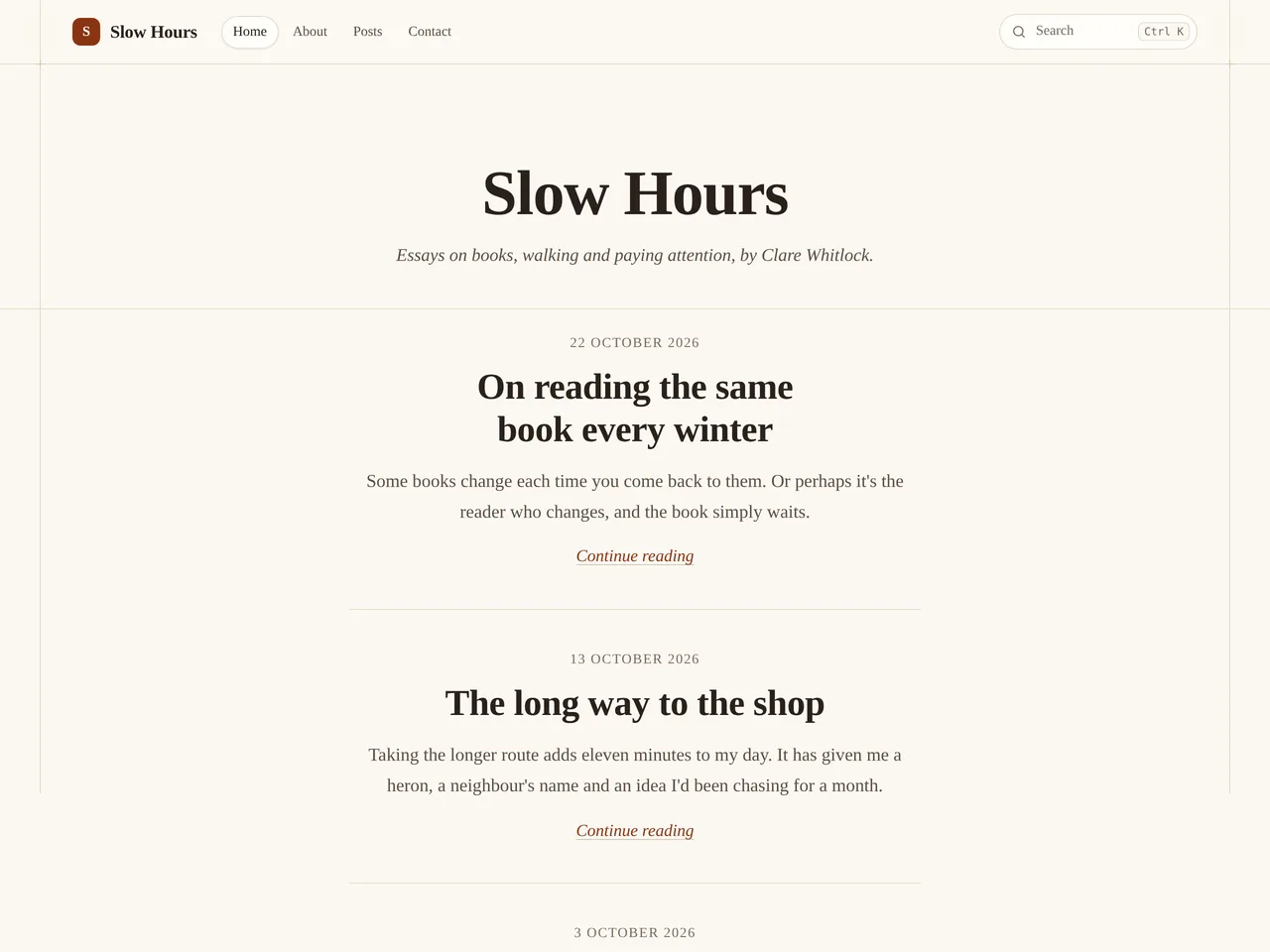
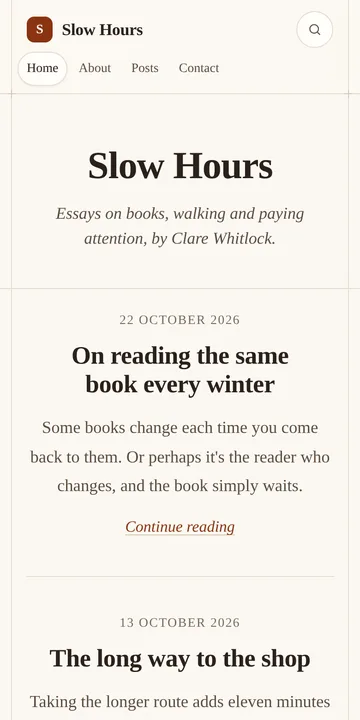
One centred column of essays in serif type on warm paper, with nothing to distract from the words. Made for writers, essayists and thought-leadership blogs.
Every plan
What’s on the page
- One centred column in serif type on warm paper
- Each essay with its date and opening lines
- No pictures on the home page, just writing
This example is Slow Hours. The name, words and pictures are made up.
How to build it
Start your blog and pick Journal
Choose the Journal theme when you start your blog. You can switch later, and your posts stay as they are.
Add your name and tagline
In Settings › Your blog › Name, logo and icon, set your blog’s name, a one-line tagline and your logo. The theme puts them at the top of your home page.
Write a good opening
The home page shows each essay’s excerpt, so make it the line that pulls a reader in.
Switch on sign-ups
In Settings › Email and money › Newsletter, switch on sign-ups so readers can follow along by email.
Write and publish
Press New post, write, then Publish. Your home page fills in by itself as you post.