Notebook theme
Clean and bright, with a featured post and cards.
Clean and bright, with a featured post and post cards. Made for anyone starting a blog.
Every plan
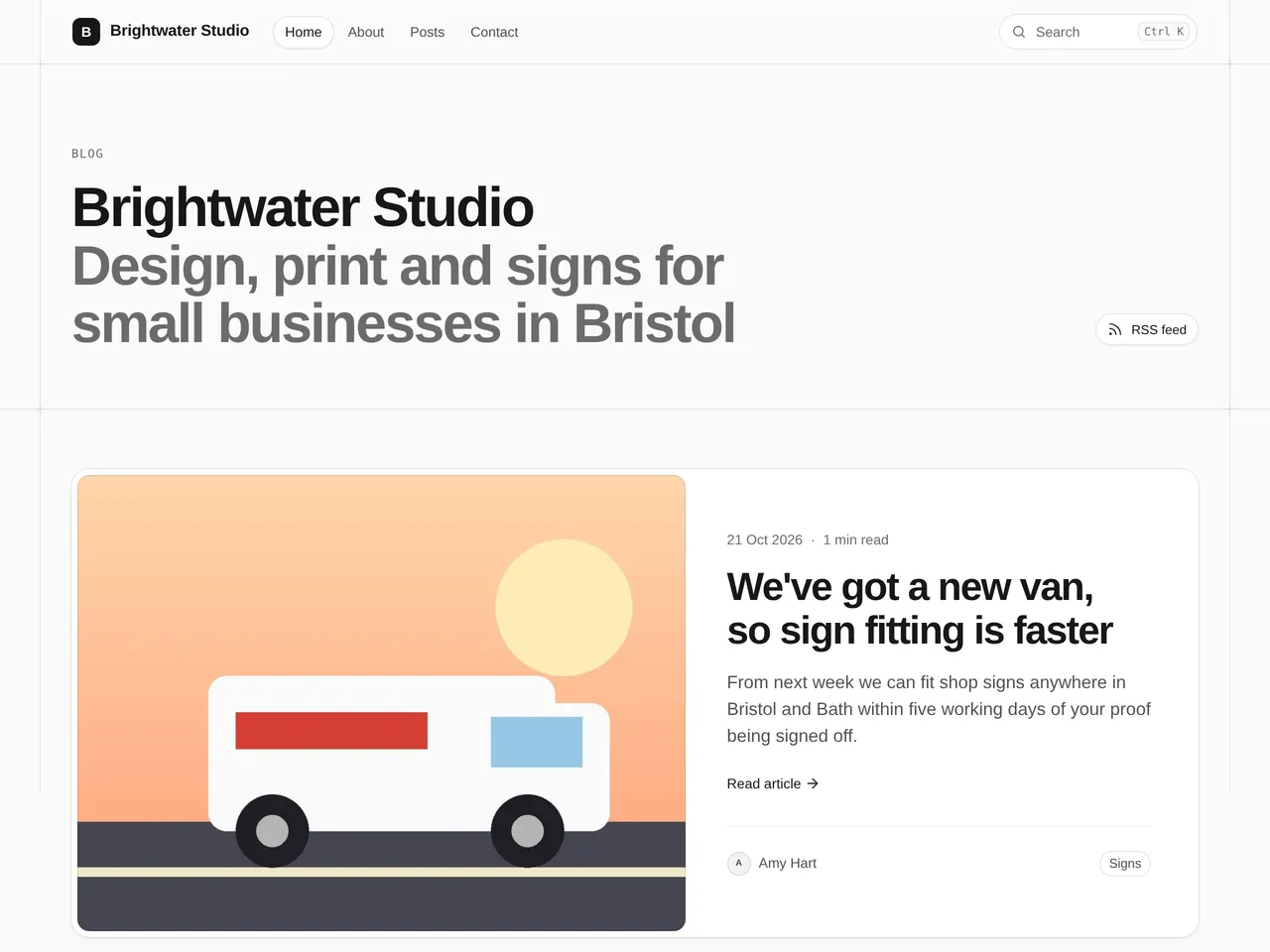
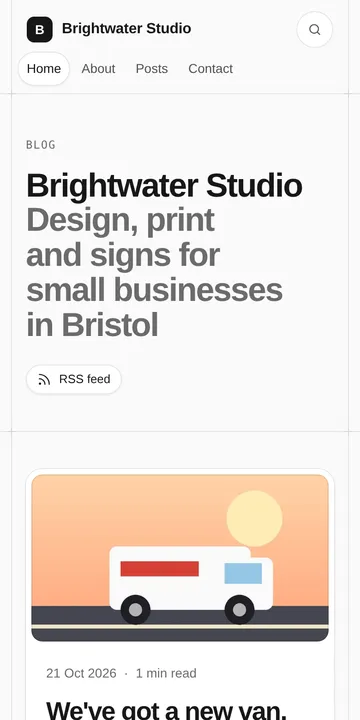
What’s on the page
- Your newest post featured large
- Post cards with pictures underneath
- Works for almost any blog
This example is Brightwater Studio. The name, words and pictures are made up.
How to build it
Start your blog and pick Notebook
Choose the Notebook theme when you start your blog. You can switch later, and your posts stay as they are.
Add your name and tagline
In Settings › Your blog › Name, logo and icon, set your blog’s name, a one-line tagline and your logo. The theme puts them at the top of your home page.
Pick your pictures
Your newest post is featured large, and every other post is a card, so give each a featured picture.
Write and publish
Press New post, write, then Publish. Your home page fills in by itself as you post.