A personal newsletter that also lives on the web.
A personal letter: your newest issue up front, a sign-up box at the top and numbered past issues. Made for newsletter writers, columnists and personal blogs.
PremiumPublisher and Team
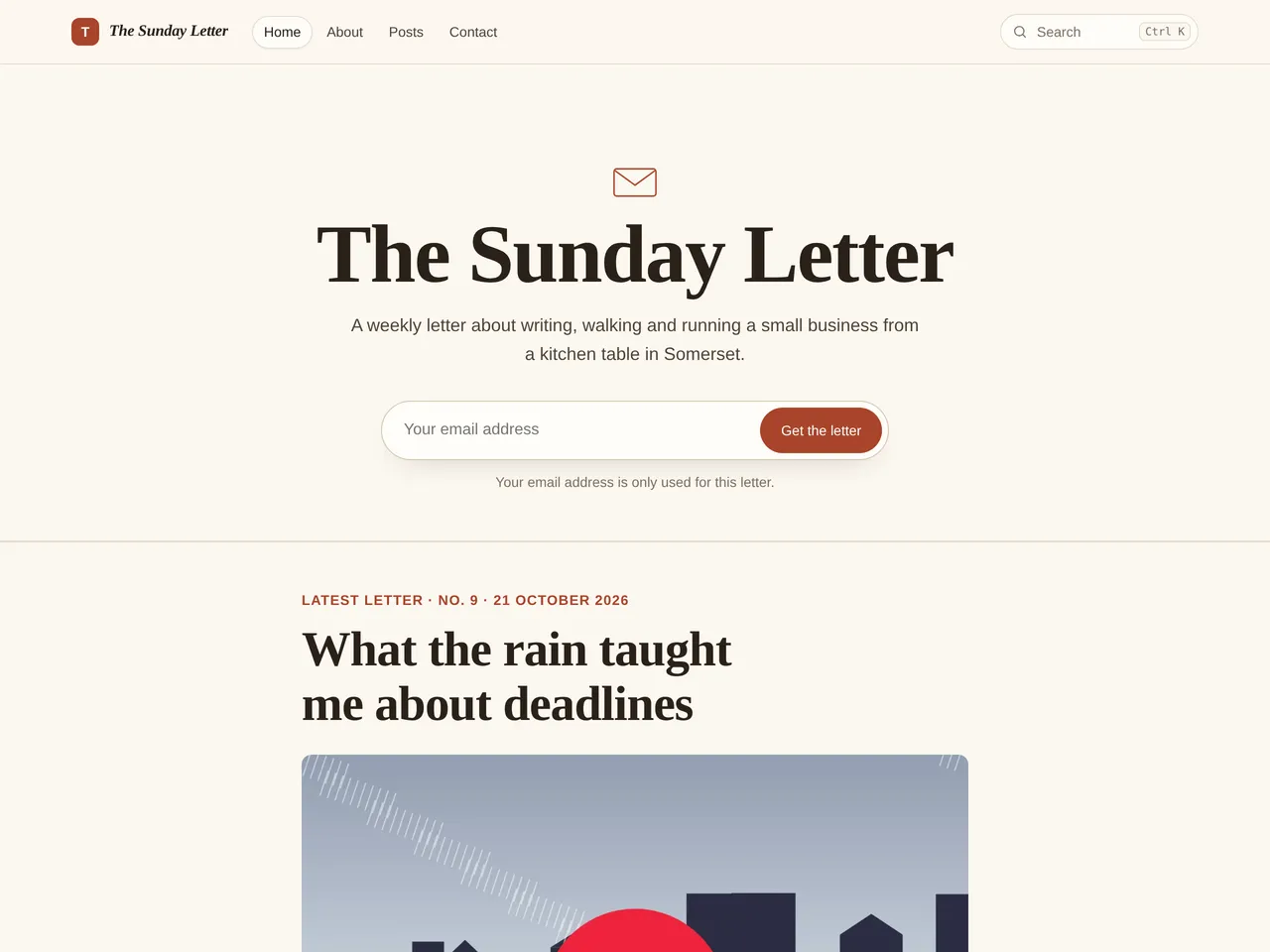
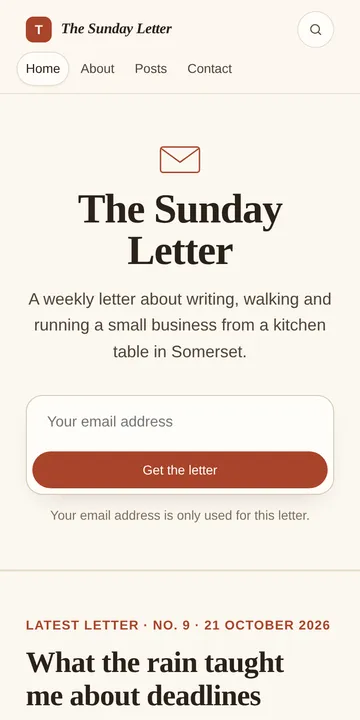
What’s on the page
- Sign-up box at the very top, so new readers join first
- Your newest letter printed almost in full
- Past letters as a numbered list
This example is The Sunday Letter. The name, words and pictures are made up.
How to build it
Start your blog and pick Letter
Choose the Letter theme when you start your blog. You can switch later, and your posts stay as they are.
Add your name and tagline
In Settings › Your blog › Name, logo and icon, set your blog’s name, a one-line tagline and your logo. The theme puts them at the top of your home page.
Switch on sign-ups
In Settings › Email and money › Newsletter, switch on sign-ups. The box appears at the top of your home page straight away, and readers confirm by email.
Send each letter as an email
When you press Publish, choose Blog and email. Your letter goes on the web and into every subscriber’s inbox at the same time.
Write and publish
Press New post, write, then Publish. Your home page fills in by itself as you post.