KT8 MonitorUptime checks
Know when your website goes down, before your customers do.
We check your websites and API addresses from outside your network, the same way your visitors reach them. When one stops answering, we check again from a second location, then alert you with what went wrong.
For businesses whose website, shop or customer portal has to stay up and the agencies and IT providers who look after them.
At a glance
- Checked every 5 minutes on Solo, every minute on Business and above
- An alert after two failed checks in a row
- A failure confirmed from a second location
- Your own rules: status code, words on the page and time limit
- Planned maintenance that doesn’t count as downtime
- Daily and weekly speed tests
Checks around the clock, from outside your network.
Each website or API address is visited every 5 minutes on Solo, and every minute on Business and Business Plus. We record whether it answered and how long it took, so you can see uptime and response times each day.
There’s nothing to install and no script to add to your site. If you use a firewall or Cloudflare, we show you how to let our checks through, with the fixed addresses our checks come from.
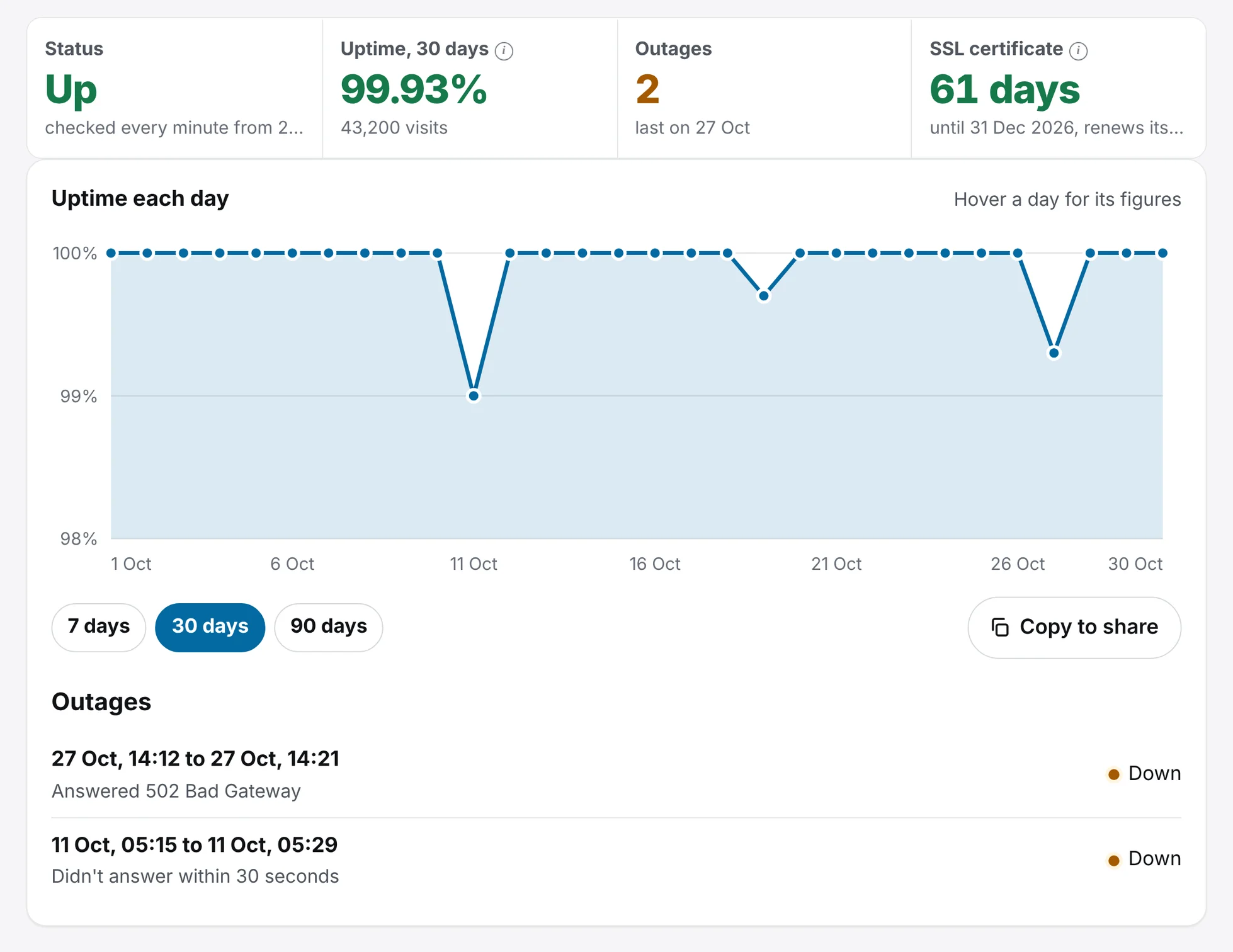
We check twice, from two places, before we alert you.
A single failed check is often a blip in the network. We alert you when a site fails two checks in a row. Every failure is also checked from our own checking server in Germany, so a problem in one network doesn’t wake you up.
If a site keeps going up and down, we send one email to say so.
What the alert says
Your website stopped working at about 15:19 (UK time): it didn’t answer within 10 seconds. We tried twice, from two places, before emailing you.
Check the page works properly.
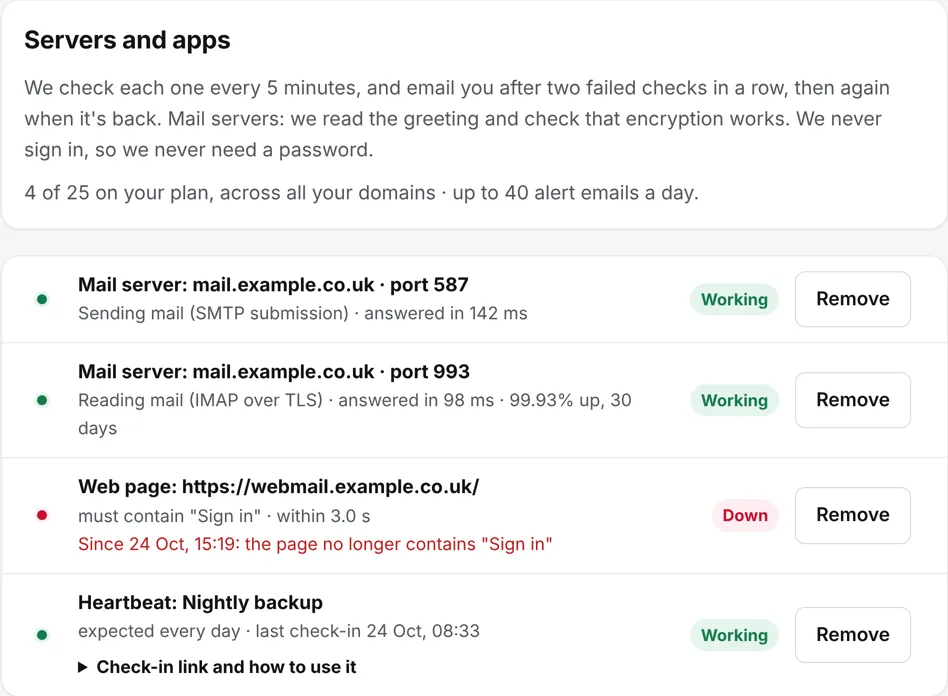
A page can answer and still be broken, such as an error message, an empty shop or a login page that never loads. Add your own rules to any page you watch.
- The exact status code the page must answer with, such as 200. Without it, anything under 500 counts as working.
- Words the page must contain, such as “Sign in”, or must not contain, such as “Database error”.
- A time limit between 0.5 and 15 seconds. Slower than that counts as down.
Maintenance windows that don’t count as downtime.
Tell us when you’re working on a site, once or every week at the same time. While the window is open, we pause the checks it covers, so the work doesn’t count as downtime or send you alerts. Your status page can show it to customers in advance.
Once
Such as Saturday 22:00 to 23:30, up to a week long and up to a year ahead.
Every week
Such as every Sunday from 02:00 to 03:00, in your own time zone.
Up to 10 a domain
Remove one at any time to bring the checks straight back.
Spot a site that’s getting slower.
On top of the uptime checks, each site gets a daily speed test, with an email when it gets slower, and a weekly speed test from 6 countries, so you can see how it loads for visitors around the world.
Daily speed test
With an email when the site gets slower.
Weekly speed test
From 6 countries.
Frequently asked questions.
What counts as a monitor?
Each website or API address, mail server or heartbeat URL is one monitor. Solo has 10, Business 50 and Business Plus 200.
How quickly will I hear?
After two failed checks in a row. That’s about 10 minutes on Solo, and about 2 minutes on Business and Business Plus.
Do I need to change anything on my website?
No. We check from the outside, the same way your visitors do.
Everything else that comes with KT8 Monitor.
No card needed. We’ll email you 3 days before your trial ends.