Repeating events
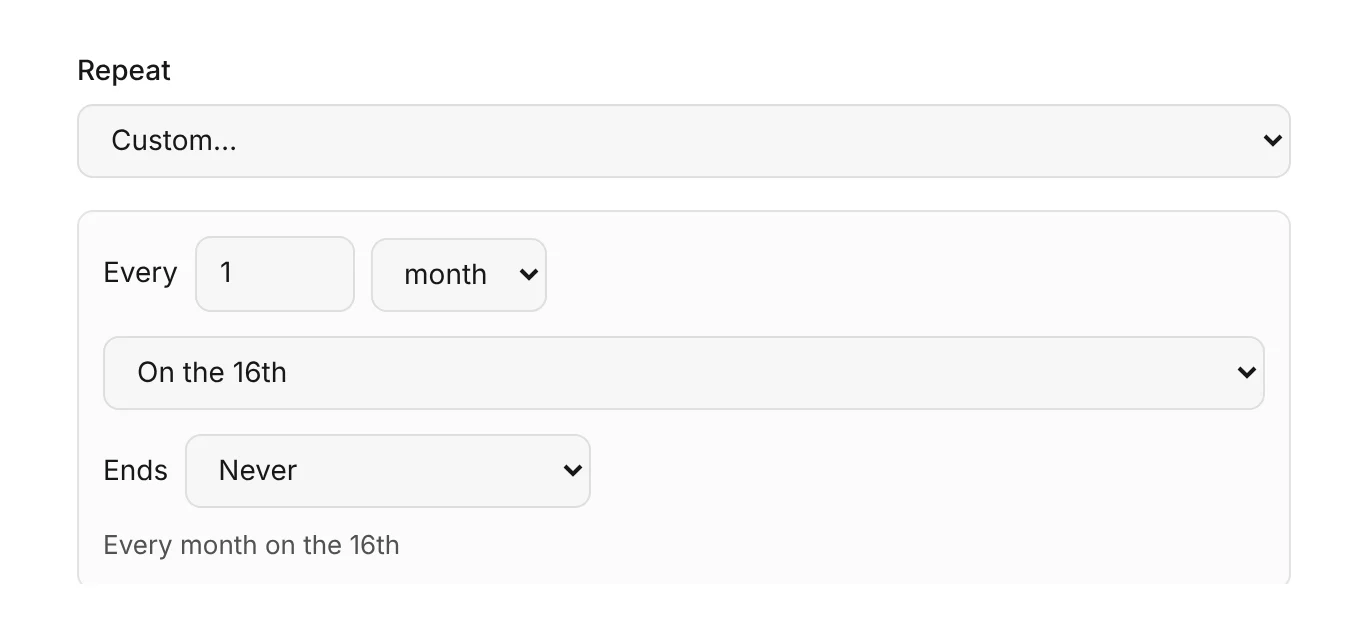
Repeat daily, weekly, monthly or yearly, on the days you choose or every few weeks, until a date or for a set number of times. Change one date, or the whole series.
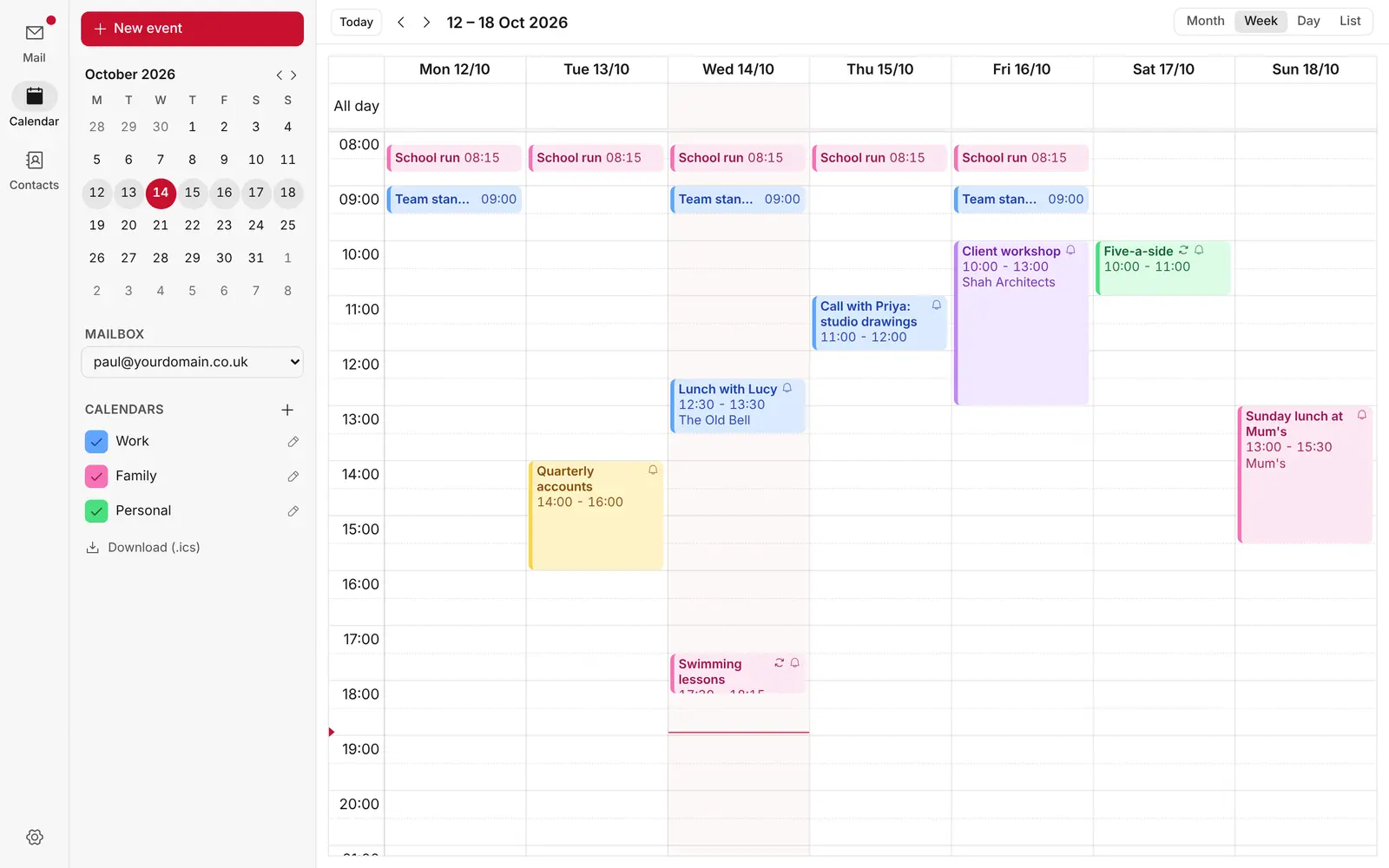
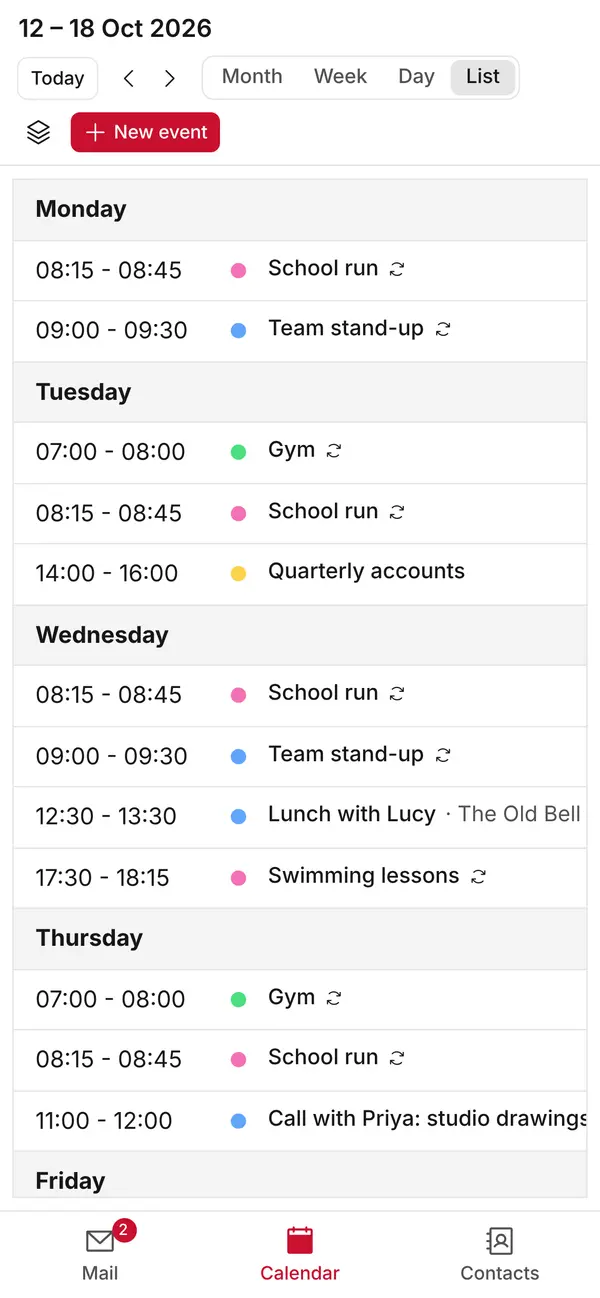
Month, week, day and list views, invitations that work with Outlook, Gmail and Apple Mail, one-click video calls and reminders on every device. All in KT8 Mail, on your own Cloudflare account.
Switch between month, week, day and list views. Drag across the calendar to add an event, drag an event to move it, or drag its edge to make it longer.
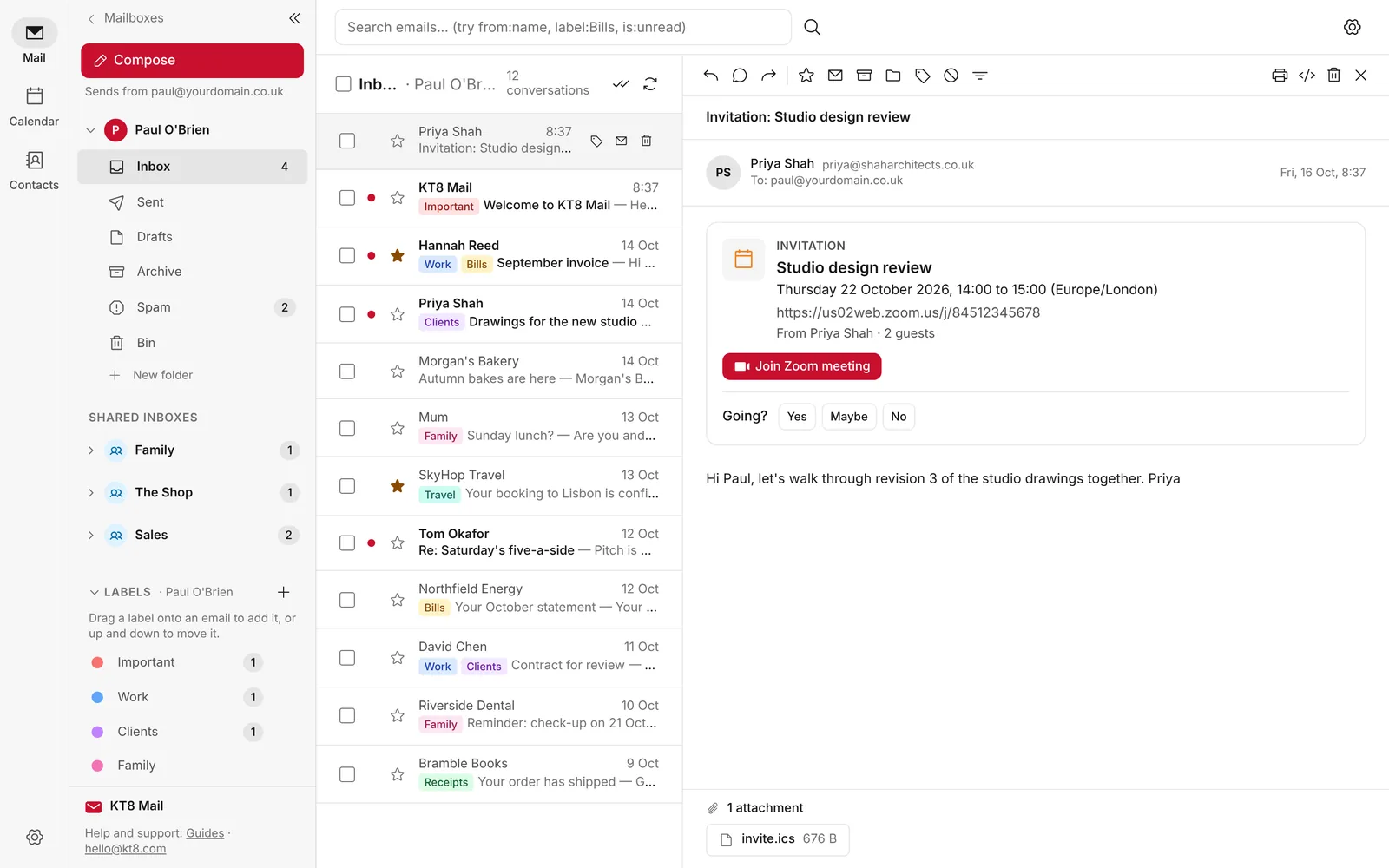
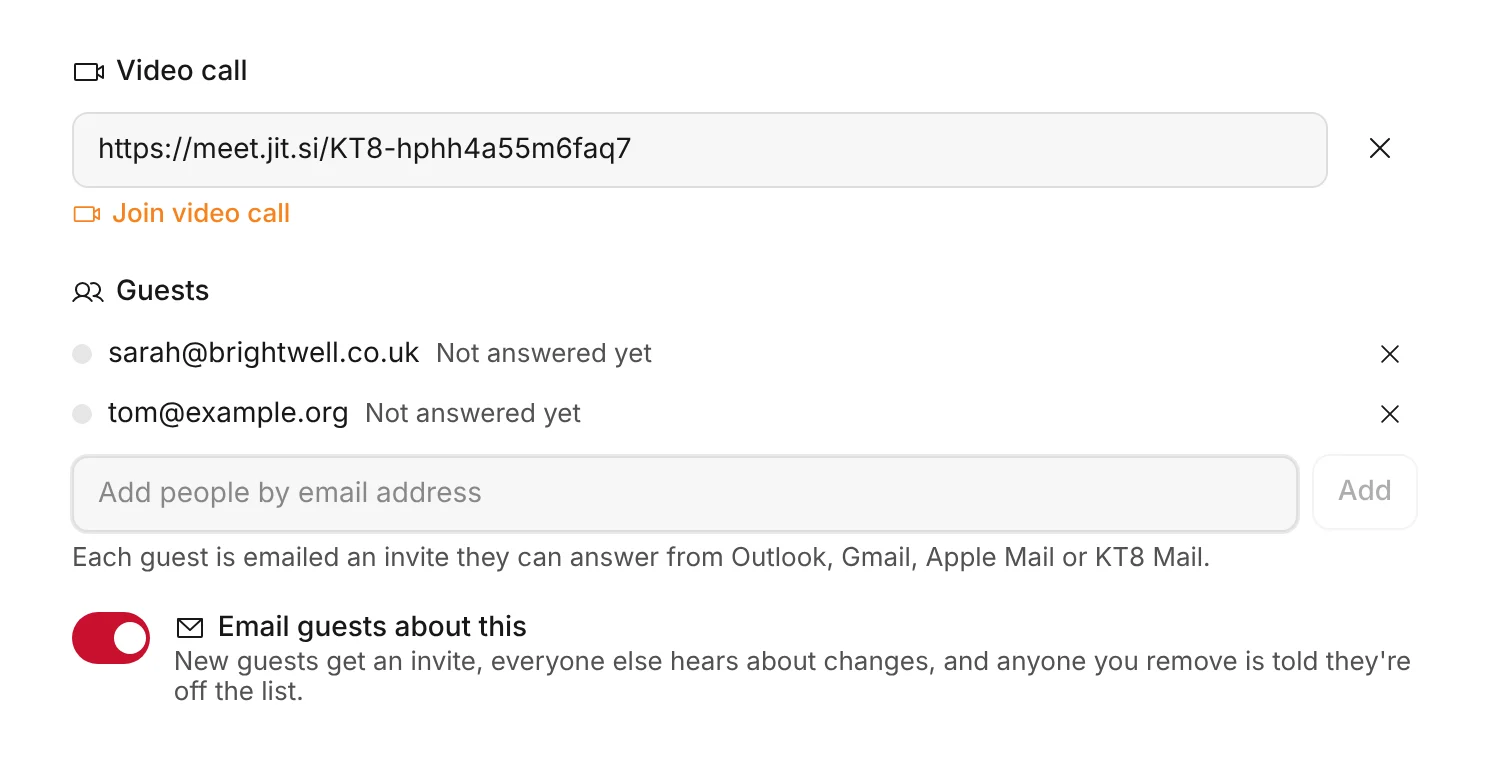
Add guests by email address and each one gets an invitation they can answer from Outlook, Gmail, Apple Mail or KT8 Mail. When someone invites you, it shows as a card at the top of the email, so you can say Yes, Maybe or No without leaving your inbox.
Paste a Teams, Zoom or Google Meet link into an event, and a Join button appears on the event and in the invitation. No meeting account? Add a free Jitsi Meet video call with one click.
The first person to join a Jitsi Meet call may be asked to sign in with Google, GitHub or Facebook. Guests don't need to.
Repeat daily, weekly, monthly or yearly, on the days you choose or every few weeks, until a date or for a set number of times. Change one date, or the whole series.
Get a reminder as an event starts, a few minutes before, or up to a week ahead. Reminders appear on every device where you've switched on notifications, including your phone.
In a shared mailbox, mark an event as Private and everyone else only sees that you're busy, not what the event is.
Save all your calendars as one .ics file to keep as a copy, or to add to Apple Calendar, Outlook or Google Calendar.
Install KT8 Mail on your own Cloudflare account in about ten minutes. It's free.